The City of Southlake is making it easier for residents with disabilities to access public information on its website, www.CityofSouthlake.com. Through a new tool called DocAccess, residents can view City documents in more accessible formats, making it easier to find and use the information they need.
Getting started just takes a few seconds. Open any City document on cityofsouthlake.com and look for the accessibility toggle in the top-left corner of the screen. Switch it on to unlock all of the DocAccess features. The toggle resets each time you open a document, so make sure to double-check that it’s turned on.
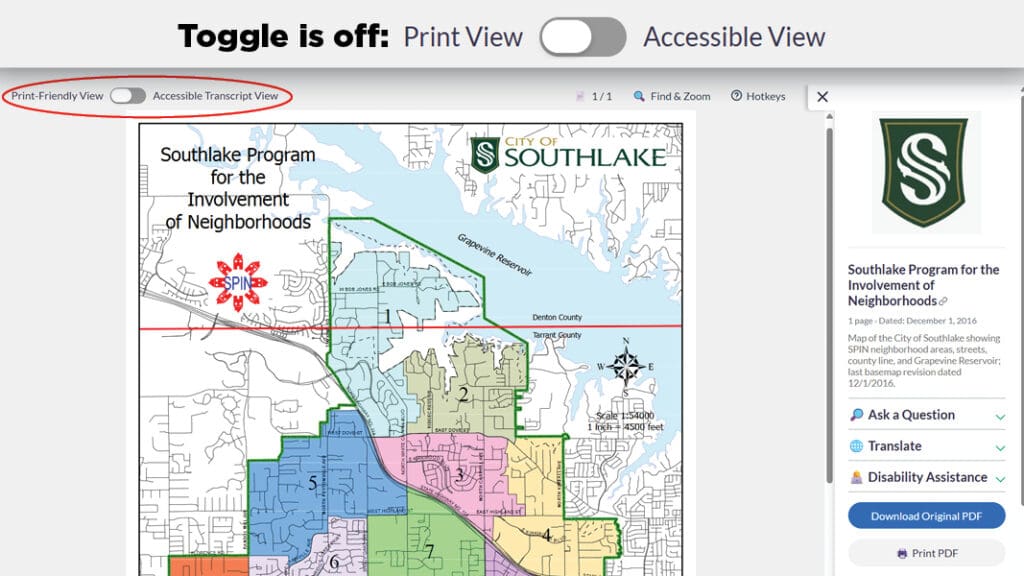
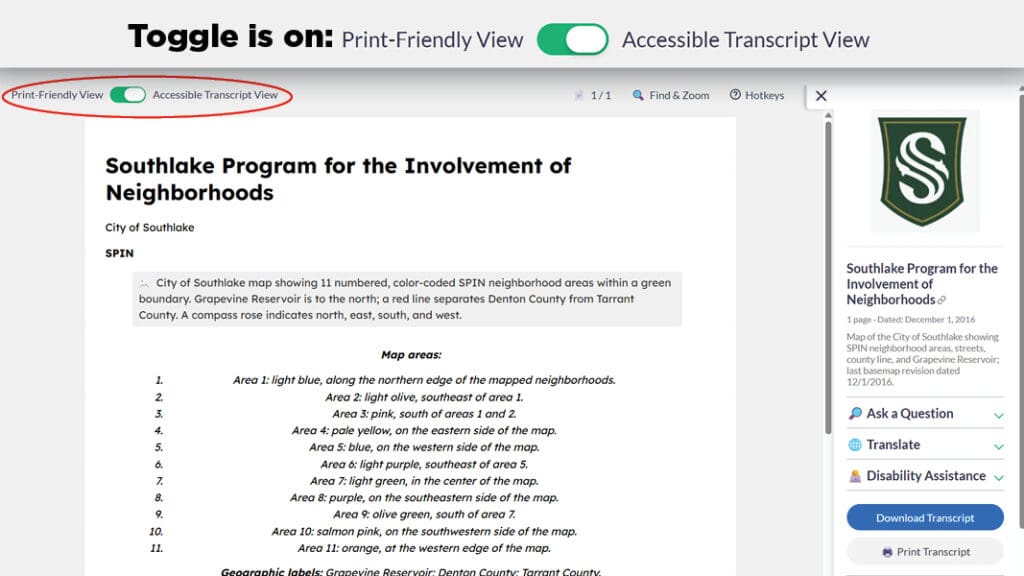
DocAccess builds on the City’s ongoing efforts to meet Americans with Disabilities Act (ADA) requirements, making information even easier for residents with disabilities to use. Through DocAccess, the City has made over 2,700 documents more accessible. These documents include City Council agendas and meeting minutes, budgets, strategic plans, reports, and historical records.
For those who need help navigating lengthy documents or finding specific details, DocAccess offers several features to make information easier to access and understand. The tool works with screen readers and other assistive technologies and supports keyboard navigation for users who cannot use a computer mouse.
DocAccess can adjust visuals as well. Complex graphs are presented with easier-to-read numerical data, and maps include detailed text descriptions. The AI-powered search feature lets residents ask questions about a document and find the information they need without having to search through each page.
The platform also supports a diverse community by allowing users to translate documents into more than 250 languages and ask questions in their preferred language. Free 24/7 visual interpretation assistance is also available for users who need additional help.
The next time you’re reviewing a City agenda, budget or report, look for the DocAccess accessibility toggle and explore the options available.